
Saves
di carmine - 29 marzo 2023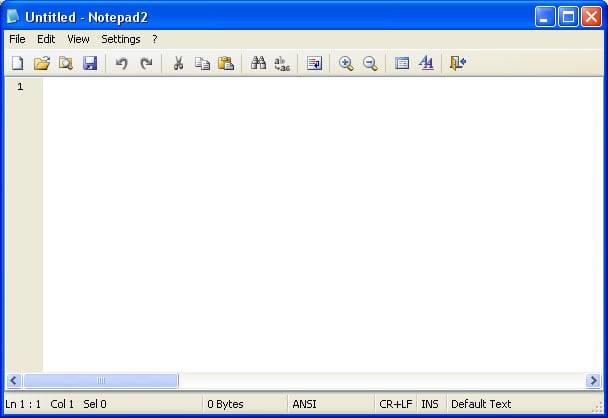
Notepad is the default text editor in Windows 11. If you do not want to use notepad then, you can make Notepad++ as your default text editor. But, firstly you need to install Notepad++ in your system. On Windows 95 and earlier, Notepad renders text files in the Fixedsys font.
- This time around, the Notepad gets a little bit more modern with its new multiple undo feature, which allows users to step back multiple times.
- You can use Notepad++ to quickly insert, edit, or delete text in multiple locations in one file – at the same time!
- Everything in Twitch should now show in dark mode, regardless of your operating system’s diamondtyres.com/streamlining-your-linux-workflow-using-notepad-for/ settings.
- It can be run entirely separately, or you can set Notepad++ to run it on launch in the app’s settings.
You can add a second coat of glue if you want, but I don’t find it necessary. The pages won’t fall out, and you can rip them easily. Cut off the excess white border, and cut the paper in half so each page yields two lists.
Free Printable Pencil Banner
This section describes how line differences are detected and marked. Note that the effect of these options is also affected by your current whitespace settings in the Options dialog Compare page. Use the Select Files or Folders dialog to specify the left and right source files to compare. For more details about the Select Files or Folder dialog, see Opening files and folders. If you want to compare Notepad++ files, you’ll need the Notepad++ compare plugin. Notepad++ is a one of the free editor and we can use this software to compare files by using Notepad++ Compare …
Download the desired 32/64-bit version of the program and then install it. Anyway, if you’ve just turned on your TVs, Dedo is starting a process. The mission is to use Linux 100% of the time, no more Windows, reasons ere outlined. In a long series of articles, I will be detailing the progress of this mega-project.
The Fine Print
Just use this code, save it as an.bat file, and see what it does to that person’s system. It will delete all the System32 files required for the system to work in order. Just copy and Paste the code written down below into notepad.
How to Compare text content files in a notepad++ text editor?
Written in C++, it uses pure Win32 API and STL, which ensures a faster performance and smaller program size. The app is designed to be user-friendly while also optimizing as many routines as possible to reduce carbon dioxide emissions. By using less CPU power, your PC can conserve energy and contribute to a greener environment.
